Cadence: Run Coaching
A training and route-finding app for new runners and the coaches who guide them. It tells you what to run today, finds a loop from wherever you are, and keeps progress where you can see it.
Download on the App StoreA browser demo on a shared account with sample data, here to show how the app works. The finished product is a native iPhone app.
The problem.
Most people who take up running quit within their first few months, and getting hurt from doing too much too soon is one of the most common reasons. The big running apps don't help: they're built for veterans who want charts, not beginners who want to know what to do today. Coaches have the opposite problem: their plans live in spreadsheets, with no clean way to see what a client actually ran.
What we built.
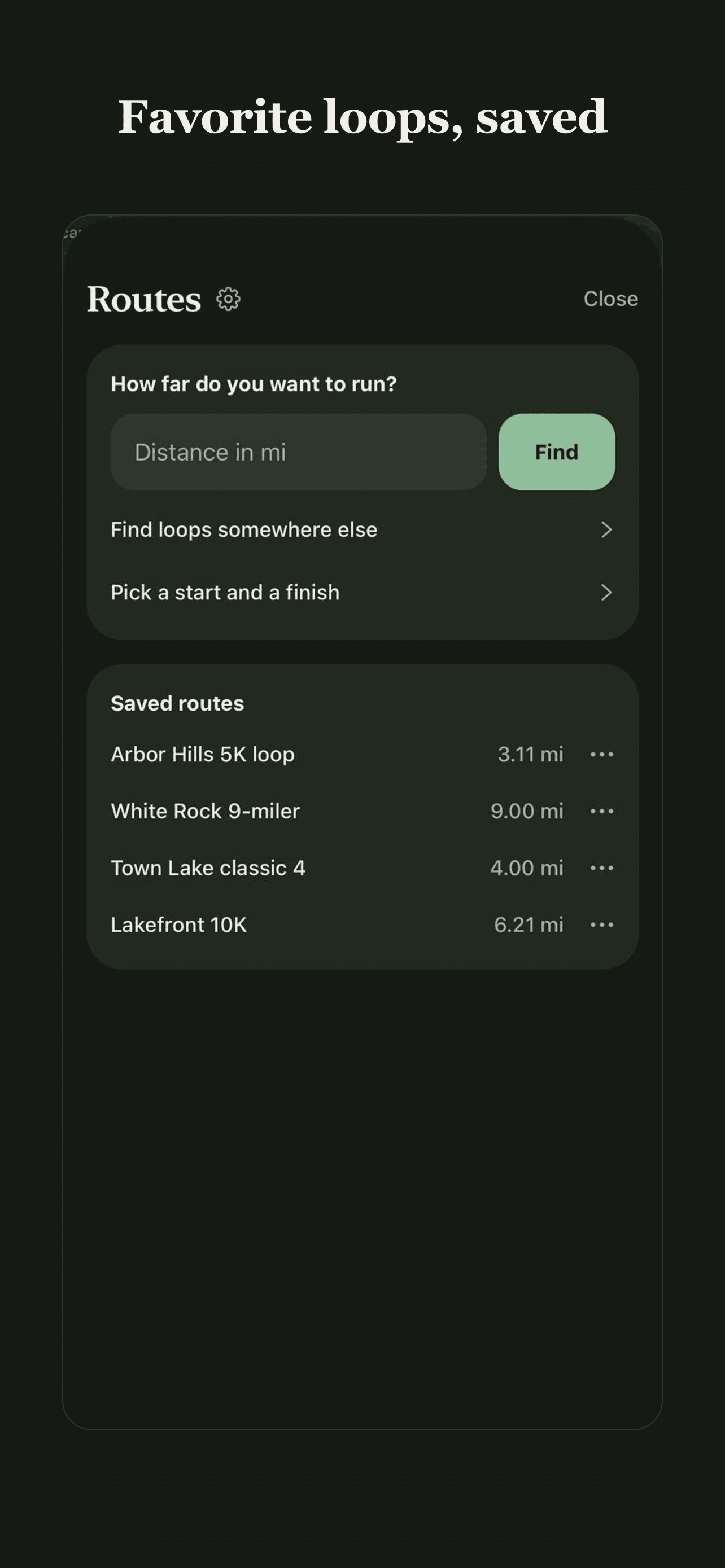
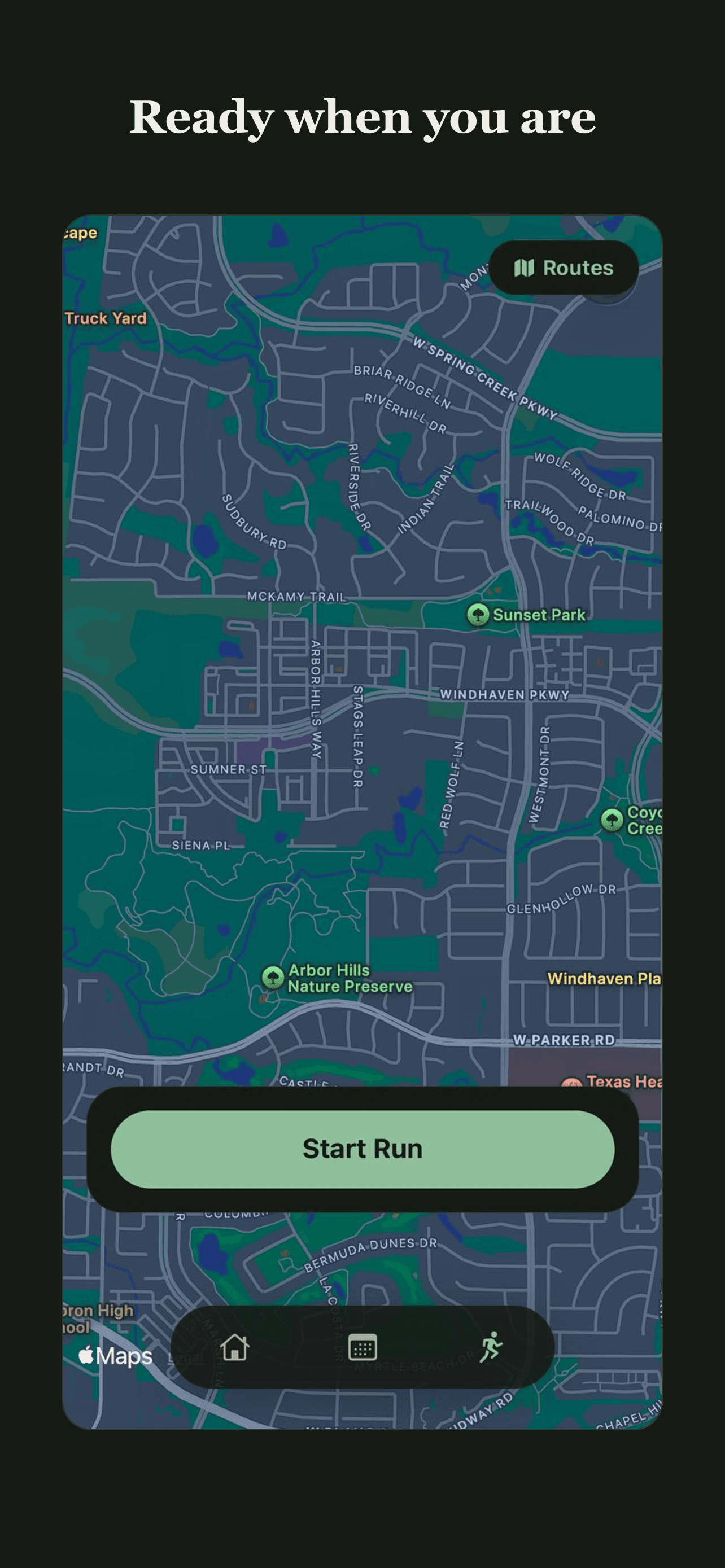
A running app with one job: make training feel simple. A coached plan tells you each day's run in plain language. Routes answer a single question - how far do you want to run? - and turn it into loops from your front door, in your neighborhood or a city you've never set foot in. Recording and importing a run is done automatically with no setup, stats stay readable, and a coach can set the plan and follow along week by week.
Decisions along the way.
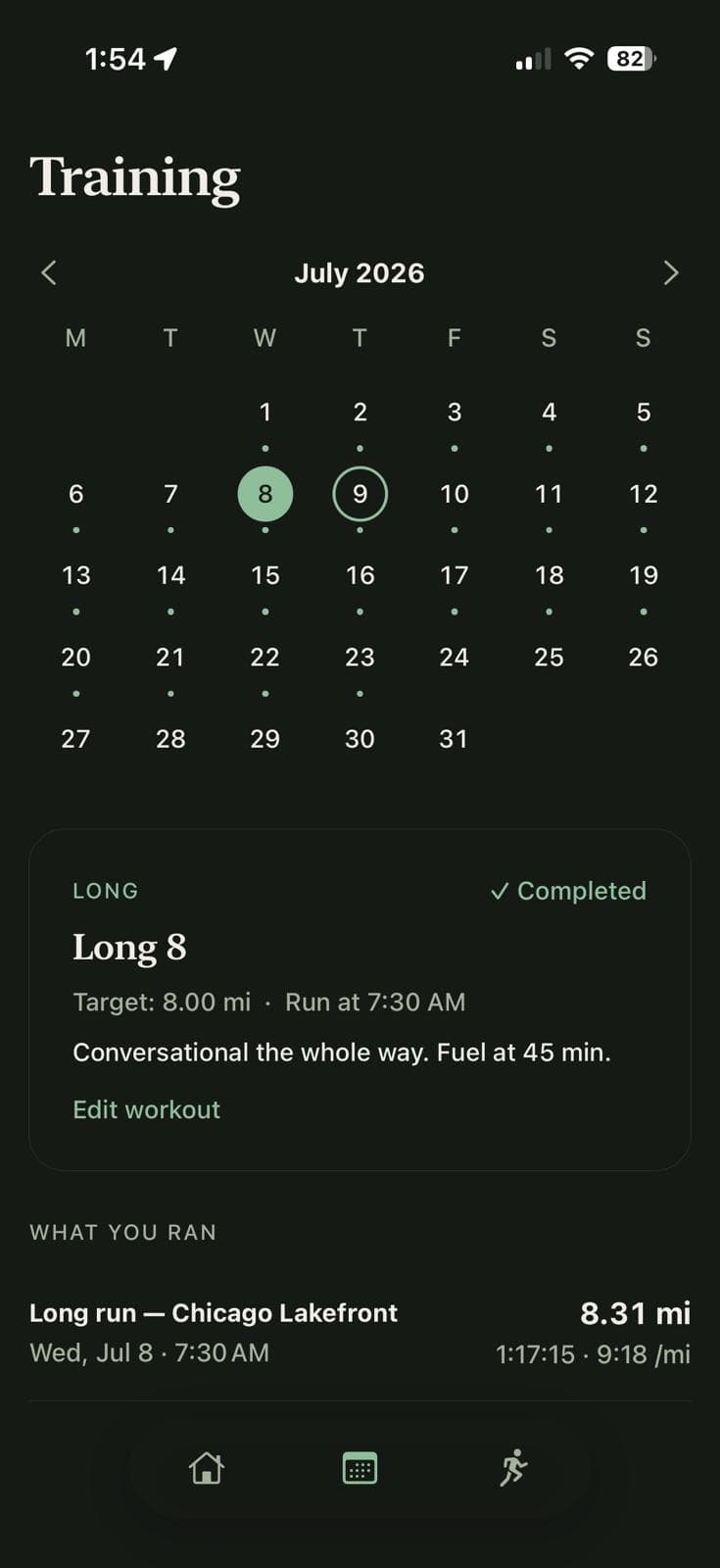
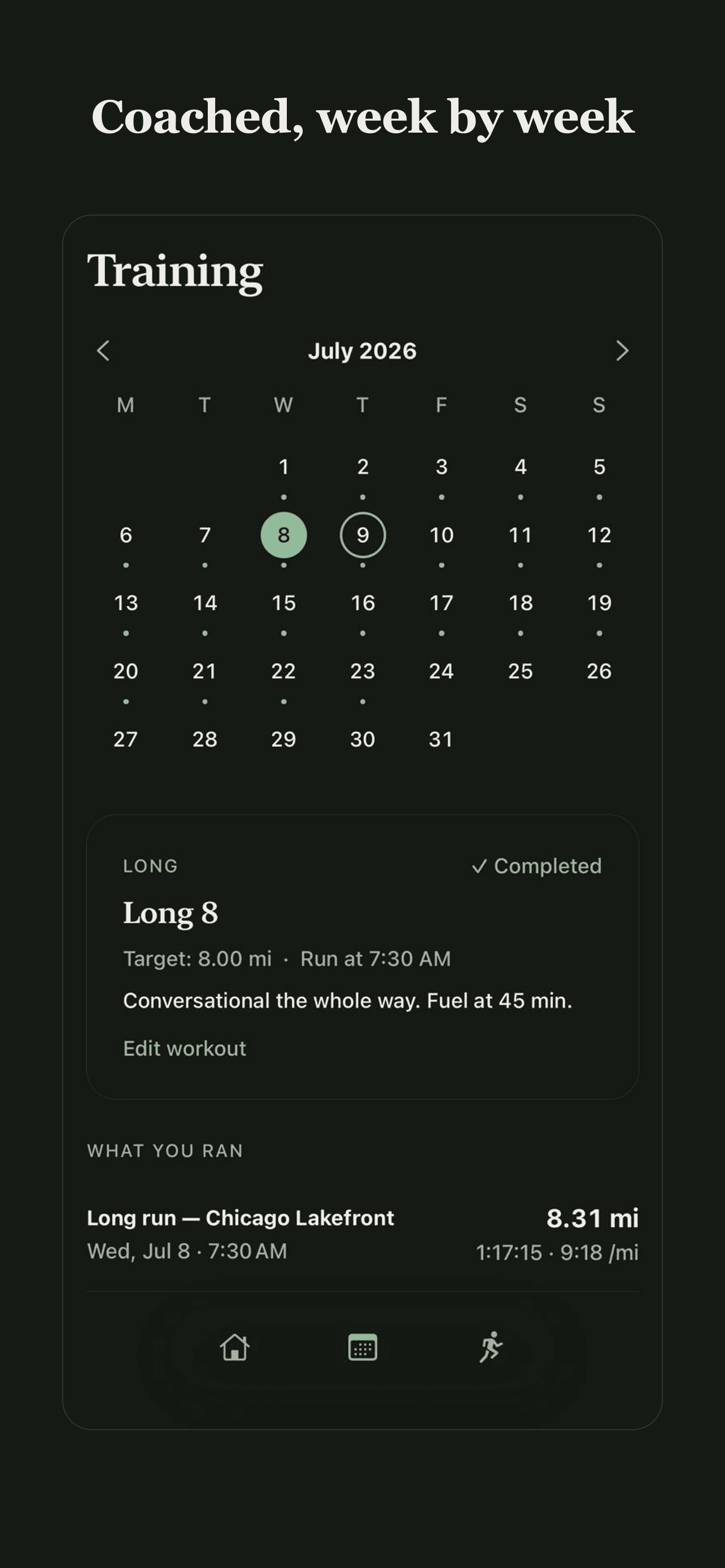
Workouts are written in plain English.
Every workout reads like a text from a coach - "conversational the whole way, fuel at 45 minutes" - never pace zones or heart-rate bands. New runners don't know what zone 2 is, and an app that makes them look it up is an app they stop opening. The plan the coach set and the run that actually happened sit on the same screen.
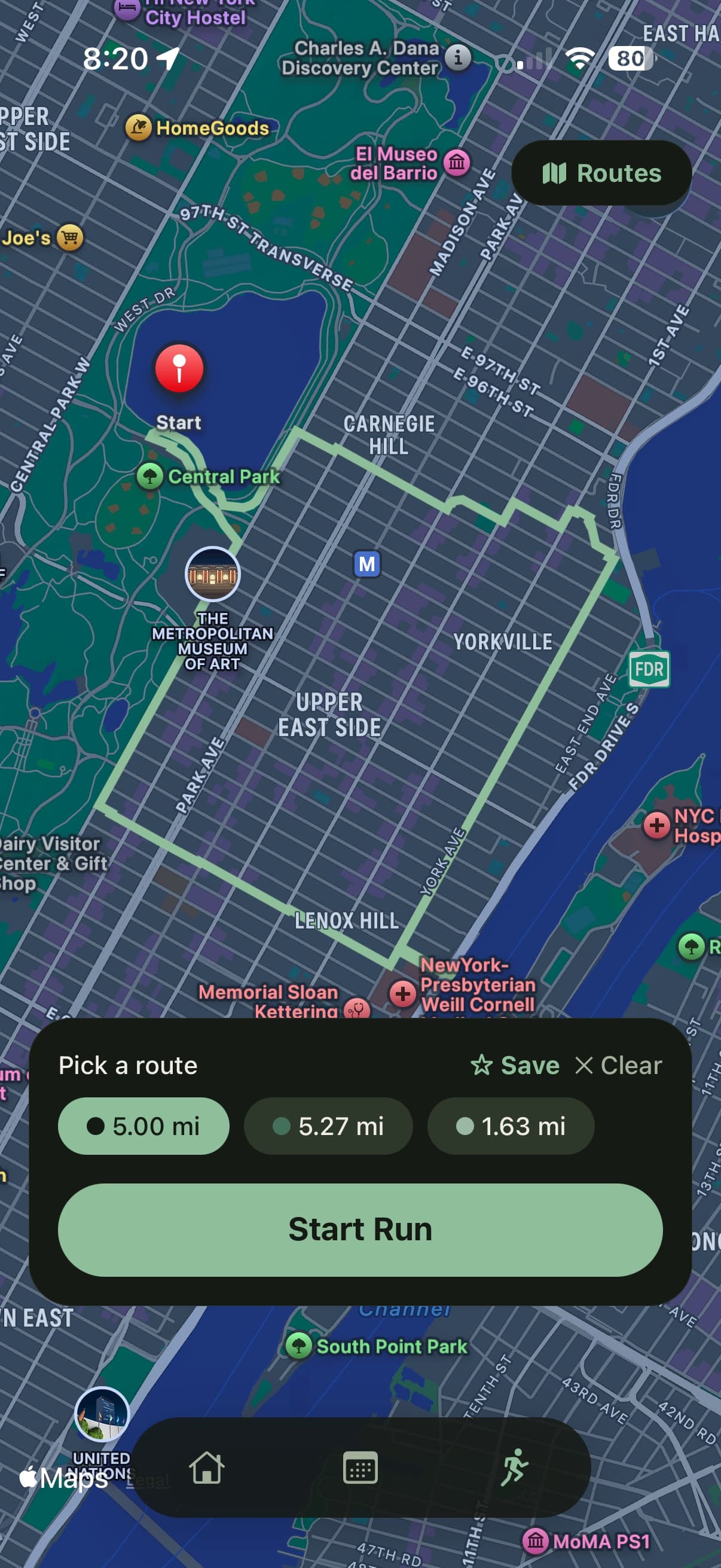
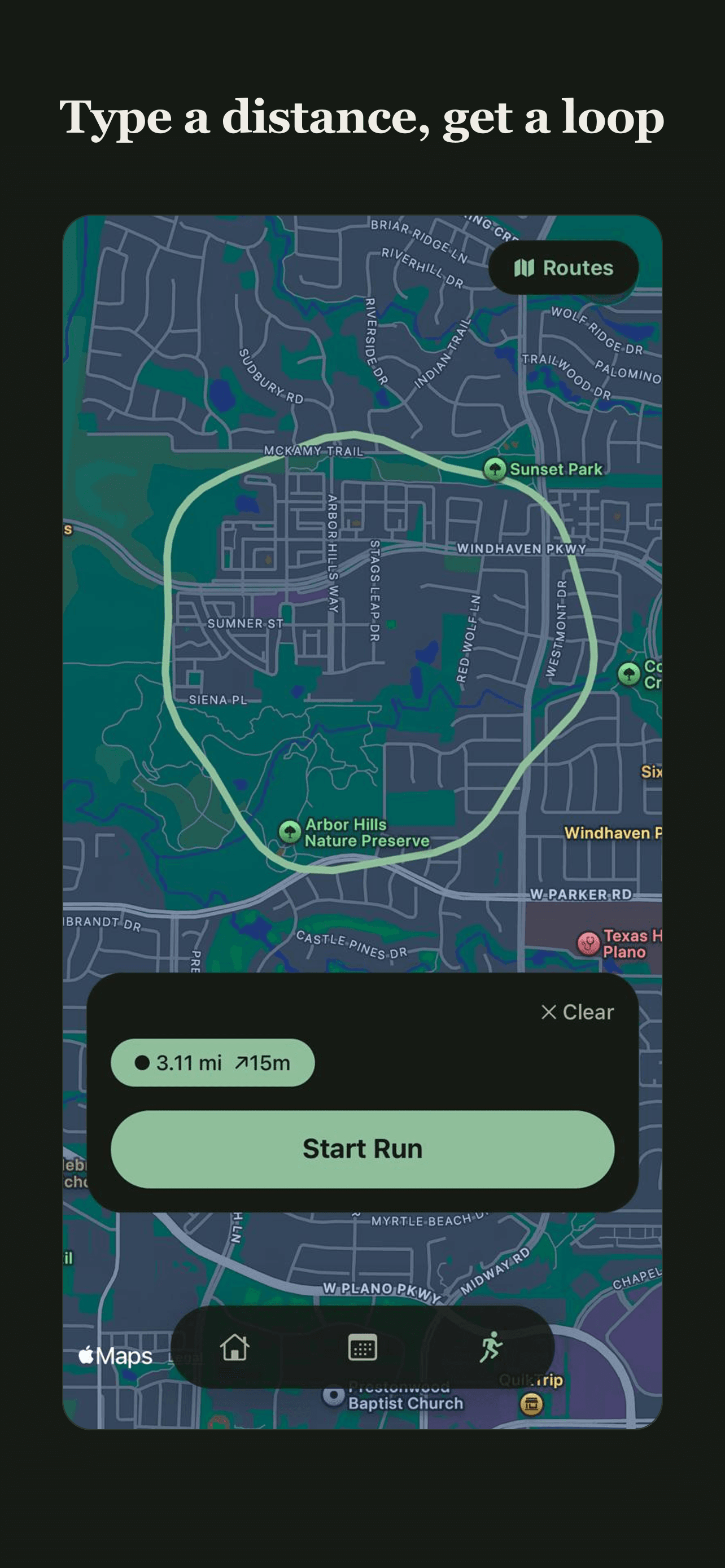
Route finding asks exactly one question.
How far do you want to run? Type a number, get loops that start and end where you're standing, anywhere in the world. Cadence cuts waypoints, filters, and route editors on purpose: for a beginner, distance is the whole question, and every extra control is one more reason to skip the run.
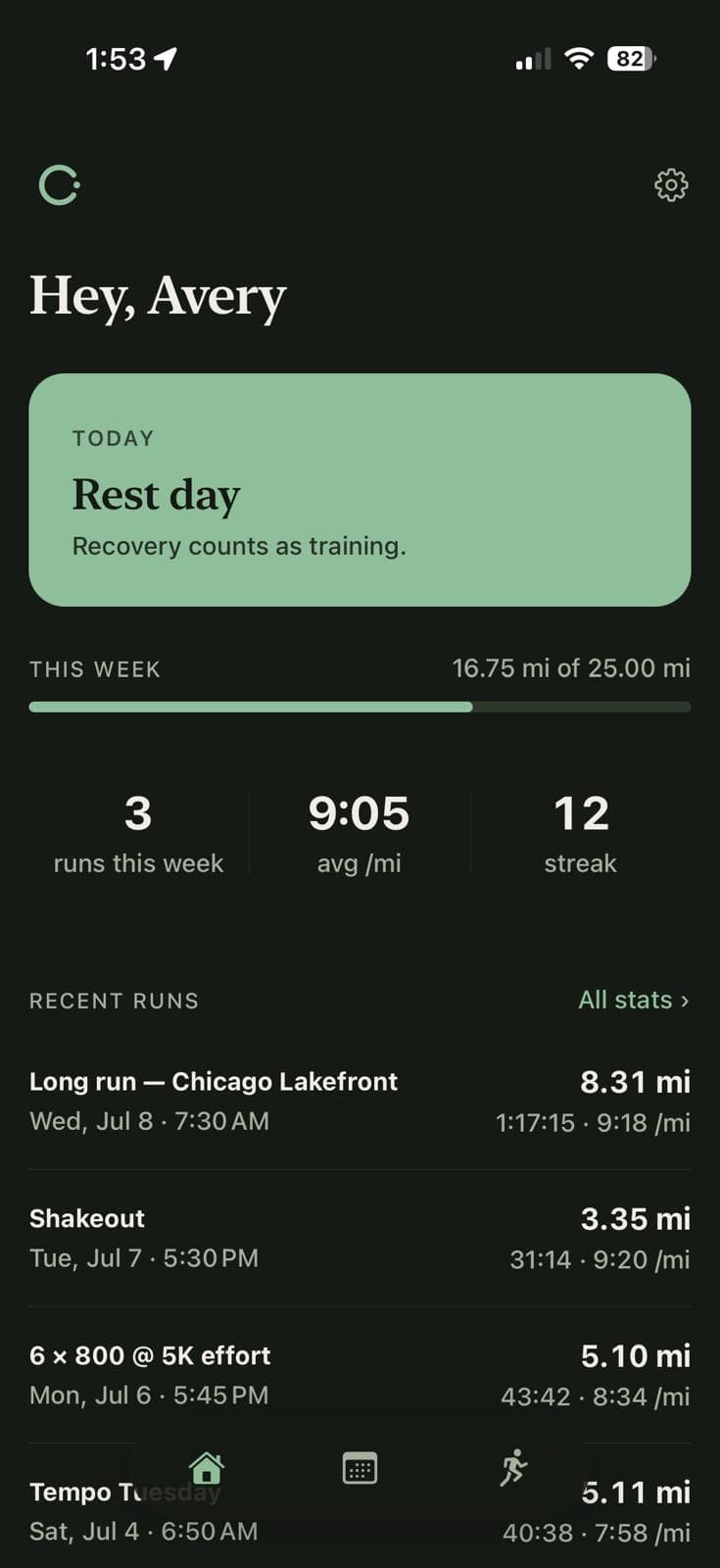
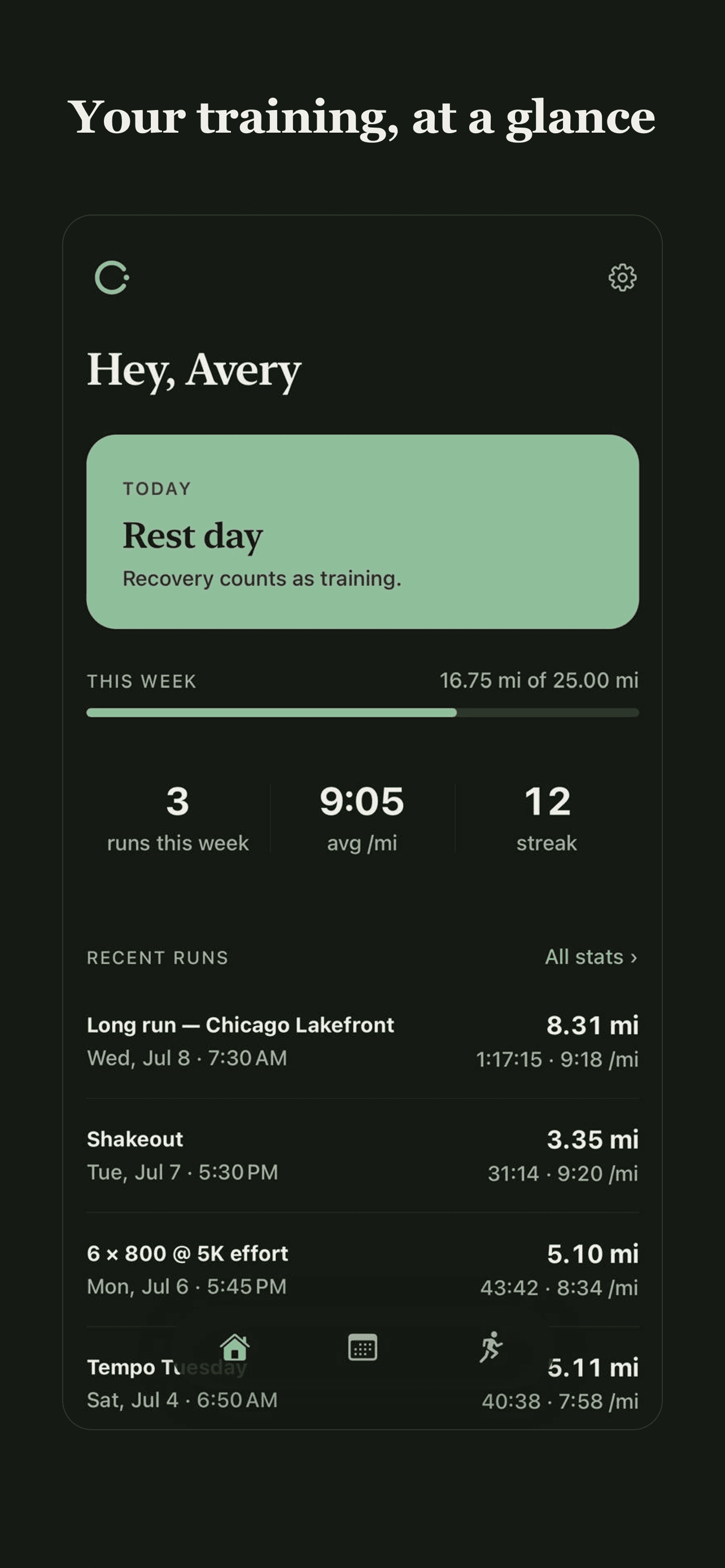
Rest days share the home screen with runs.
Doing too much too soon is the main reason new runners get hurt and quit, so a rest day gets the same billing as a workout instead of showing up as empty space in a calendar. The design argues that recovery counts as training, because it does.
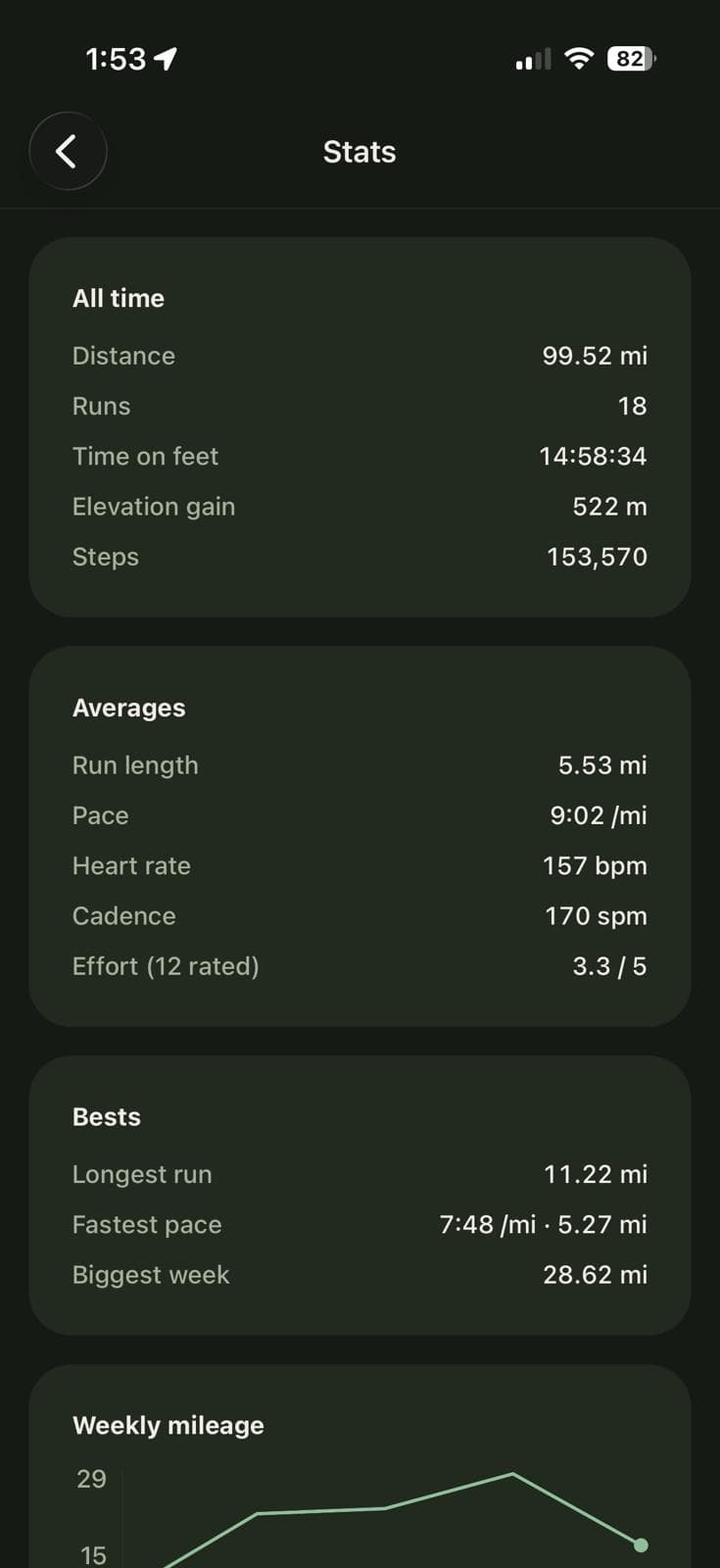
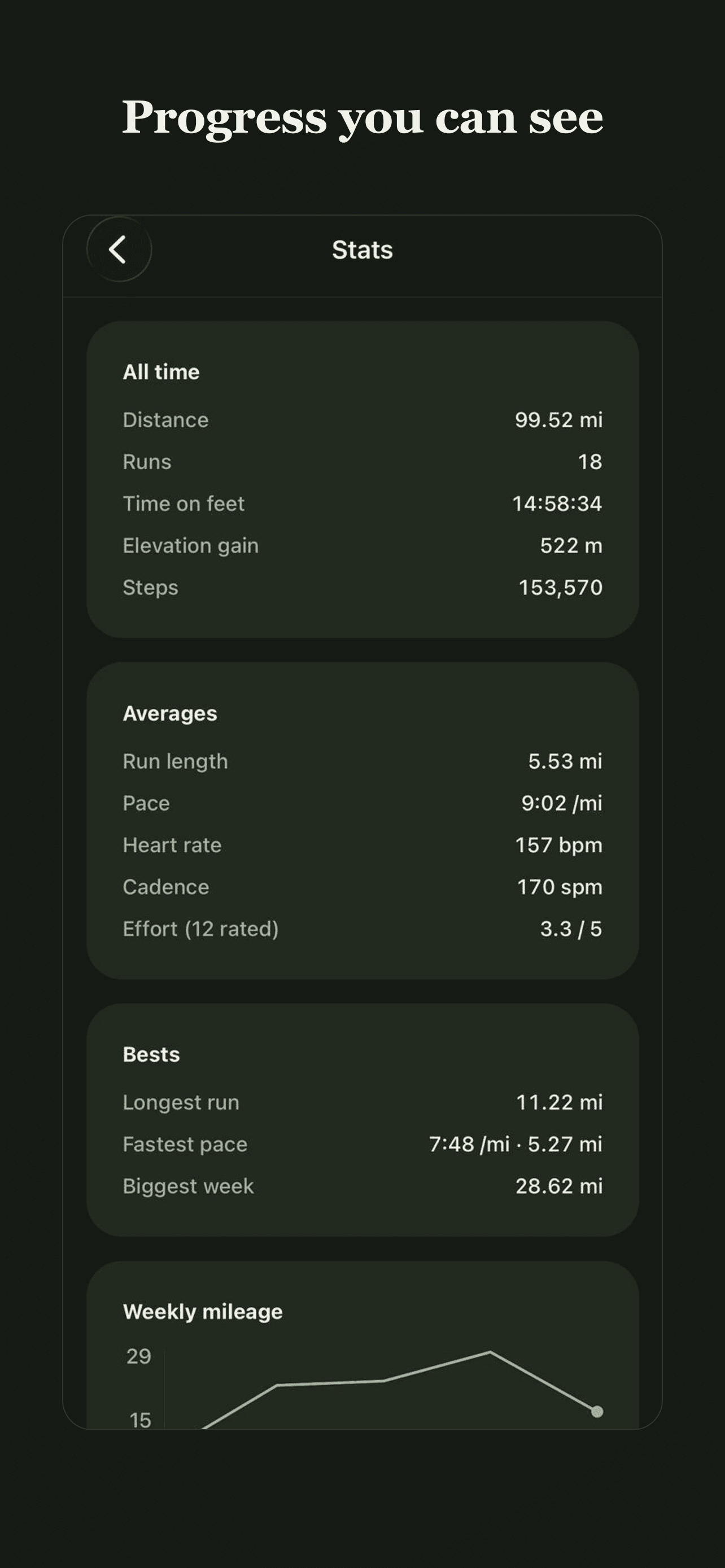
Stats answer questions instead of asking them.
Distance, pace, streak, longest run, biggest week - the numbers a runner actually wonders about, in plain rows. No training-load index, no readiness score, nothing that needs a manual to interpret. The point is feeling yourself improve, not studying a dashboard.
On the App Store.
The store listing - screens, captions, and copy - designed and shipped alongside the app.